After checkout
let customers change their shipping address from the thank-you page or the order status page, before fulfillment.
How it works
-
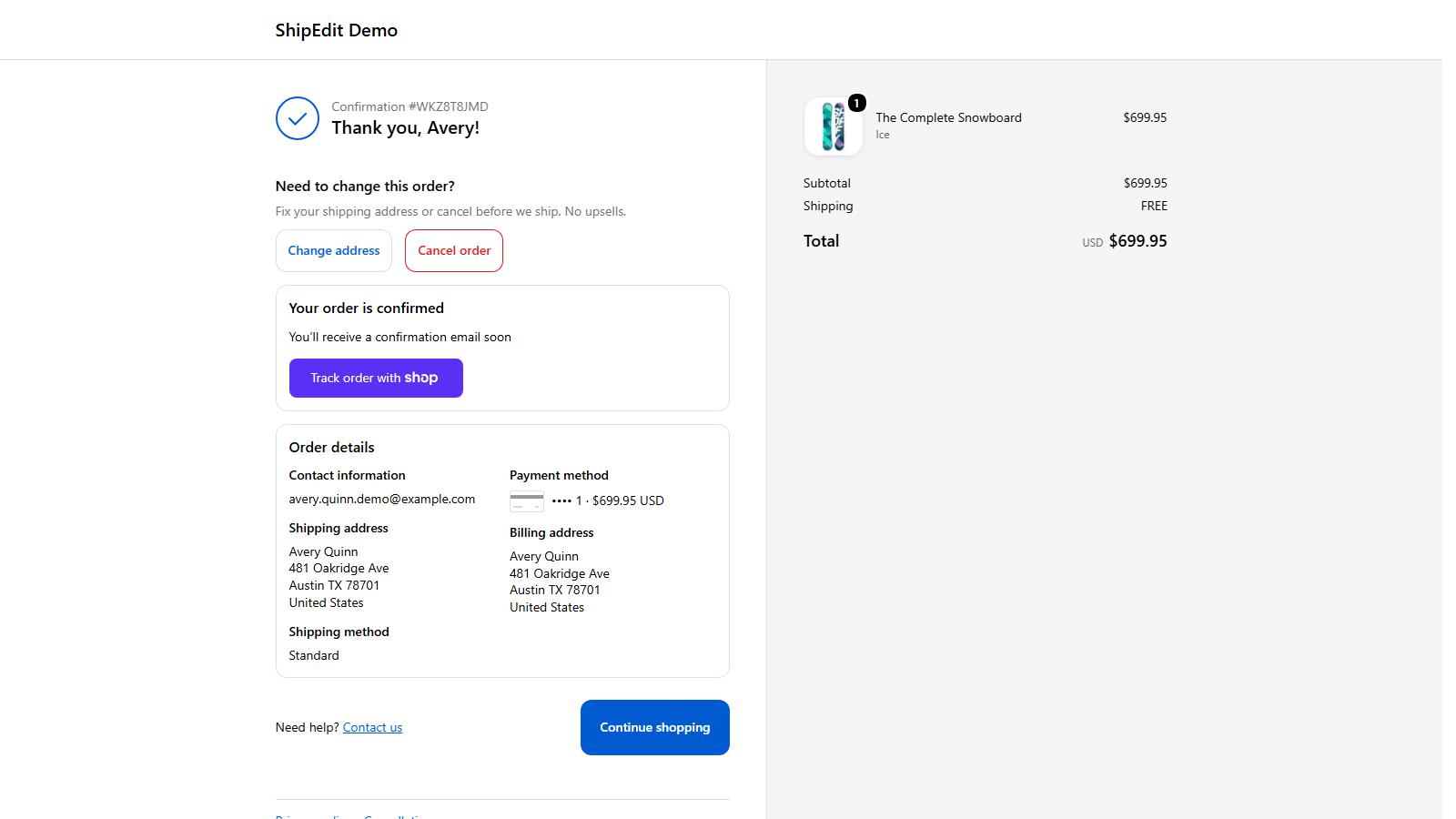
Your customer spots a mistake. They open the thank-you or order status page and see Edit address or Cancel order.
-
They fix it themselves. The new address or cancellation saves straight to the Shopify order. No email back and forth.
-
You set the rules. Choose how long after checkout changes are allowed. They stop on their own once fulfillment starts.
FAQ
- What happens after an order ships?
- Edits and cancels stop as soon as fulfillment starts, even for a partly fulfilled order, or earlier if you set a shorter window.
- Does it work with my 3PL or fulfillment app?
- Changes write to the Shopify order itself, so anything that reads the order sees the new address.
- Does ShipEdit work with WooCommerce?
- Yes. Install the free ShipEdit plugin from WordPress.org, then create your ShipEdit company to connect your store. Customers can change the shipping address or cancel the order from the WooCommerce thank-you page or My Account, before it ships. How ShipEdit works on WooCommerce.
- What does it cost?
- On Shopify, $9.99 a month for unlimited orders, with a 7-day free trial for new stores. The WooCommerce plugin is free and connects to the same paid ShipEdit service.
- Will it upsell my customers?
- No. ShipEdit only does address changes and cancellations.
- Does installing turn it on?
- No. Customers see ShipEdit after you add the Thank you and Order status blocks in the checkout editor and save.
- Need help?
- Email support@shipeditapp.com.